
















Streamline your video and audio post-production workflow with a new GPU-accelerated video engine, user-friendly improvements, OSC remote support & more.
Sequoia 2026 is the first major release of the high-end DAW since we introduced it to the Boris FX product family last fall — and it's jam-packed! Record, edit, mix, and master with more agility than ever before.
Already a customer? Sequoia 2026 is a free update for users with an active Sequoia subscription or an upgrade & support plan. It's also included with the Boris FX Suite. Download the updated installer via the Boris FX Hub.
What's New
- GPU-Accelerated Video Engine: Tackle demanding video and audio post-production with smoother timeline playback, snappier responsiveness, and support for AVC, HEVC, & AV1 codecs.
- Work More Efficiently: Multiple workflow refinements support greater stability, precision, and flexibility.
- Native Apple ProRes Support: Adds support for ProRes, one of the most popular post-production codecs.
- OSC Remote Support: Working in a studio or multi-room setup? No problem! Use a broadcast console, StreamDeck, or any OSC-based app, even from a cellphone, to trigger Sequoia. Record, edit, mix & transport functions across the network.
- Updated FX/IO Routing Matrix: Go in-depth with your plugin routing with options for multichannel signals. Distribute mono or stereo effects across surround & immersive buses.
- Soundly Integration: Gain access to a massive cloud-based sound library with 1000s of effects, Foley, atmospheres, and field recordings at various sample rates. Instantly audition them, then seamlessly transfer any sound to Sequoia. Plus, organize your own sound effects library in Soundly for instant access.
- Boosted VST3/Audio Engine: Smarter CPU distribution optimizes multicore performance and reduces unnecessary processing load on high-latency plugins, or AUX sends. Plus, improved playback reliability.
- Improved Crossfade Editor: Work faster with instant, real-time previews, a unified shape system, and apply accurate curves and loop previews during editing without interrupting your workflow.
Why the Pros Use Sequoia
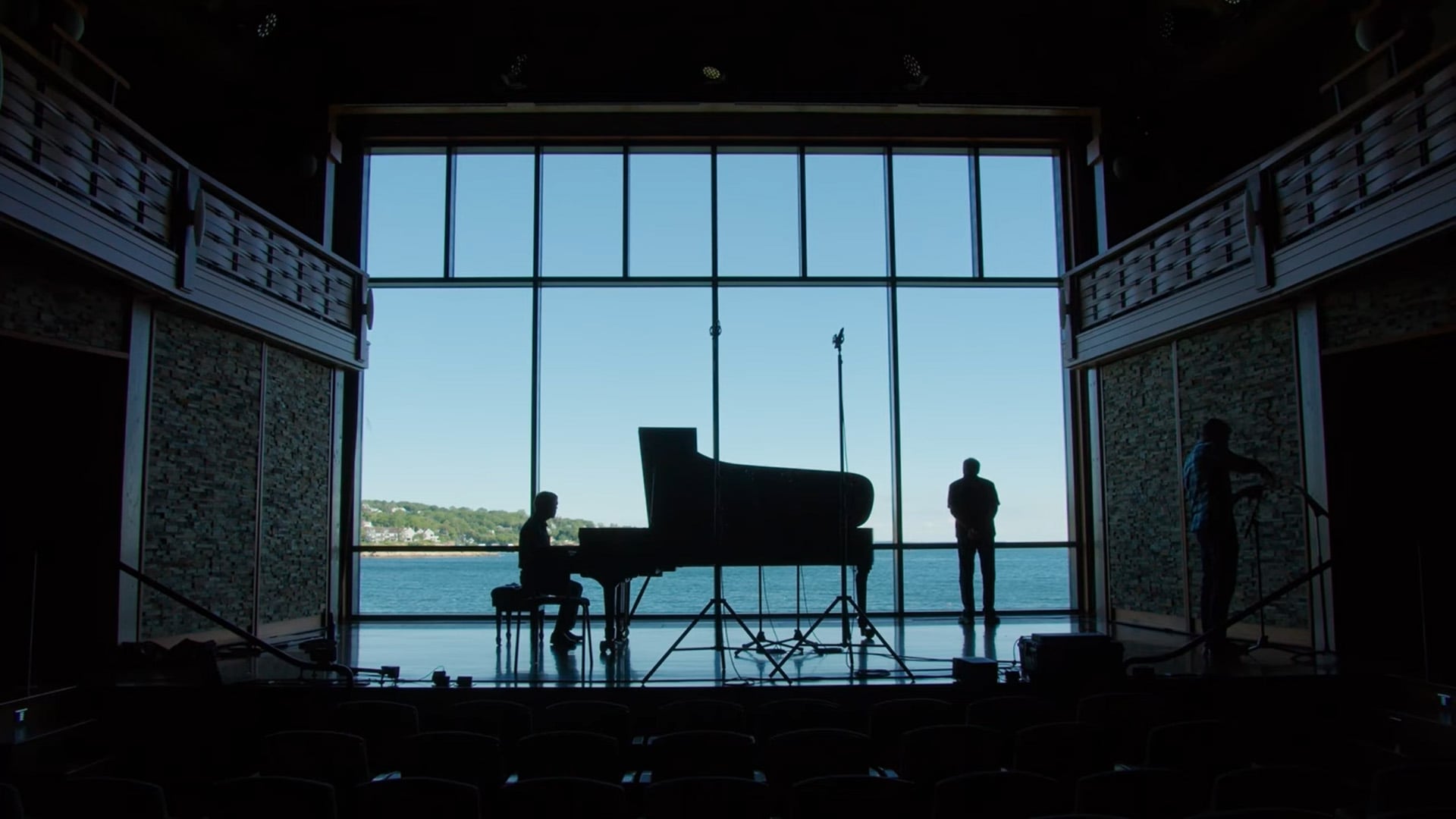
Strike a classical chord as 17x Grammy Award winner and 2x Latin Grammy Award winner — Steven Epstein — shares a look at his storied audio engineering and producing career. Find out why he relies on Sequoia to record, edit, mix, and master. Read his story.
New to Sequoia?
Explore the interface and learn the fundamentals of recording, editing, exporting, and more with Ben Brownlee.
Call to Action
